
From feedback to a shareable report (or blog post)
A practical workflow for turning customer feedback into a shareable report or blog post, using Backsy and ThinkInPublic.
Posted by
 Backsy
From feedback to a shareable report (or blog post)
Most product feedback dies where it’s collected.
It sits in dashboards, forms, or screenshots—useful in theory, hard to circulate in practice. When someone asks, “What are users actually saying?” the answer is usually a mix of links, context dumps, and verbal summaries.
A simple alternative is to turn feedback into a short written report. Sometimes that report stays internal. Sometimes it’s good enough to share publicly. Either way, it gives feedback a shape that people can actually read, forward, and discuss.
This is the workflow we use.
Why turn feedback into a write-up at all?
Because a written post is the most portable format for sharing insight.
- You can send it to teammates without extra explanation
- You can forward it to collaborators or investors
- You can post it publicly when the signal is strong
- You don’t need access permissions, dashboards, or meetings
In other words, it’s a shareable report, written in plain language.
And when the feedback is genuinely good, yes—it can also be a quiet flex. Not marketing copy, just evidence of real usage and real reactions.
The simple workflow
You don’t need to overthink this. The process is deliberately mechanical.
1) Open your feedback
Go to your product inside Backsy and open View Feedback.
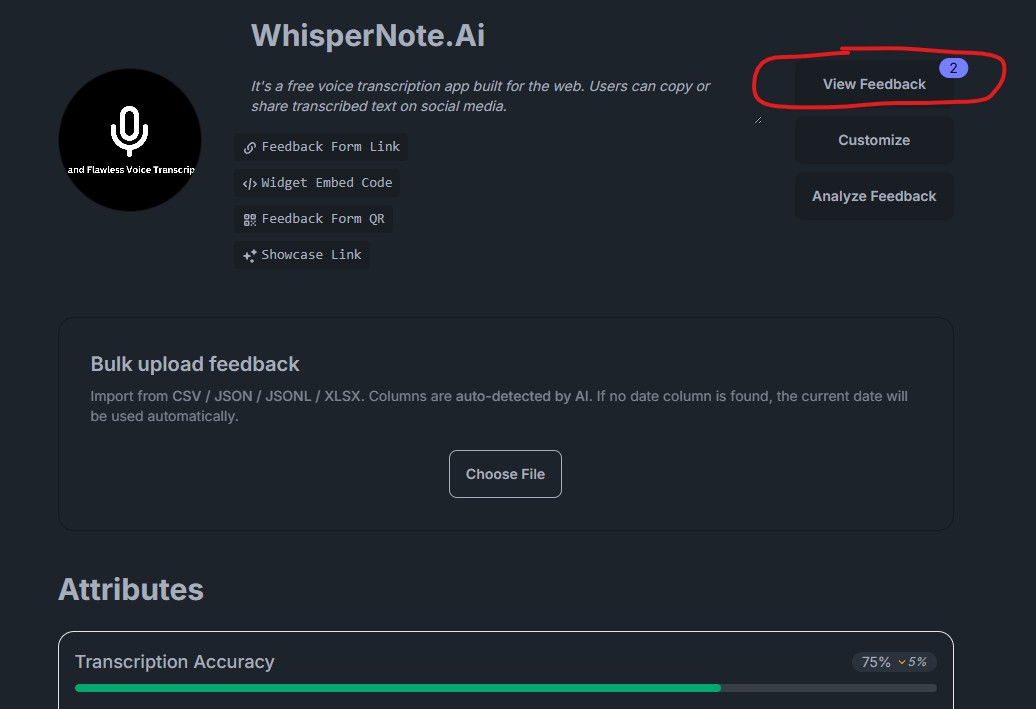
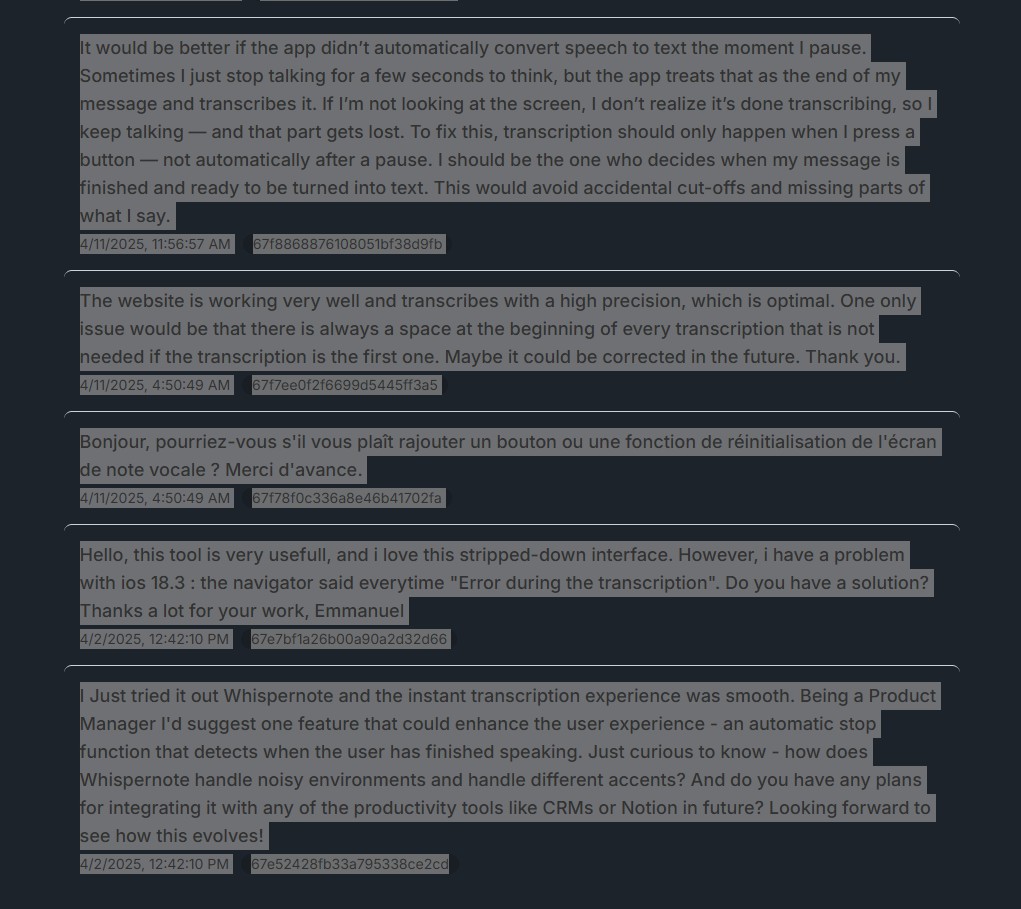
2) Copy what users actually said
Select and copy the feedback you want to summarize. This can be:
- recent feedback
- a specific theme
- a batch around a feature or release
You’re not cleaning it up yet—just collecting raw input.
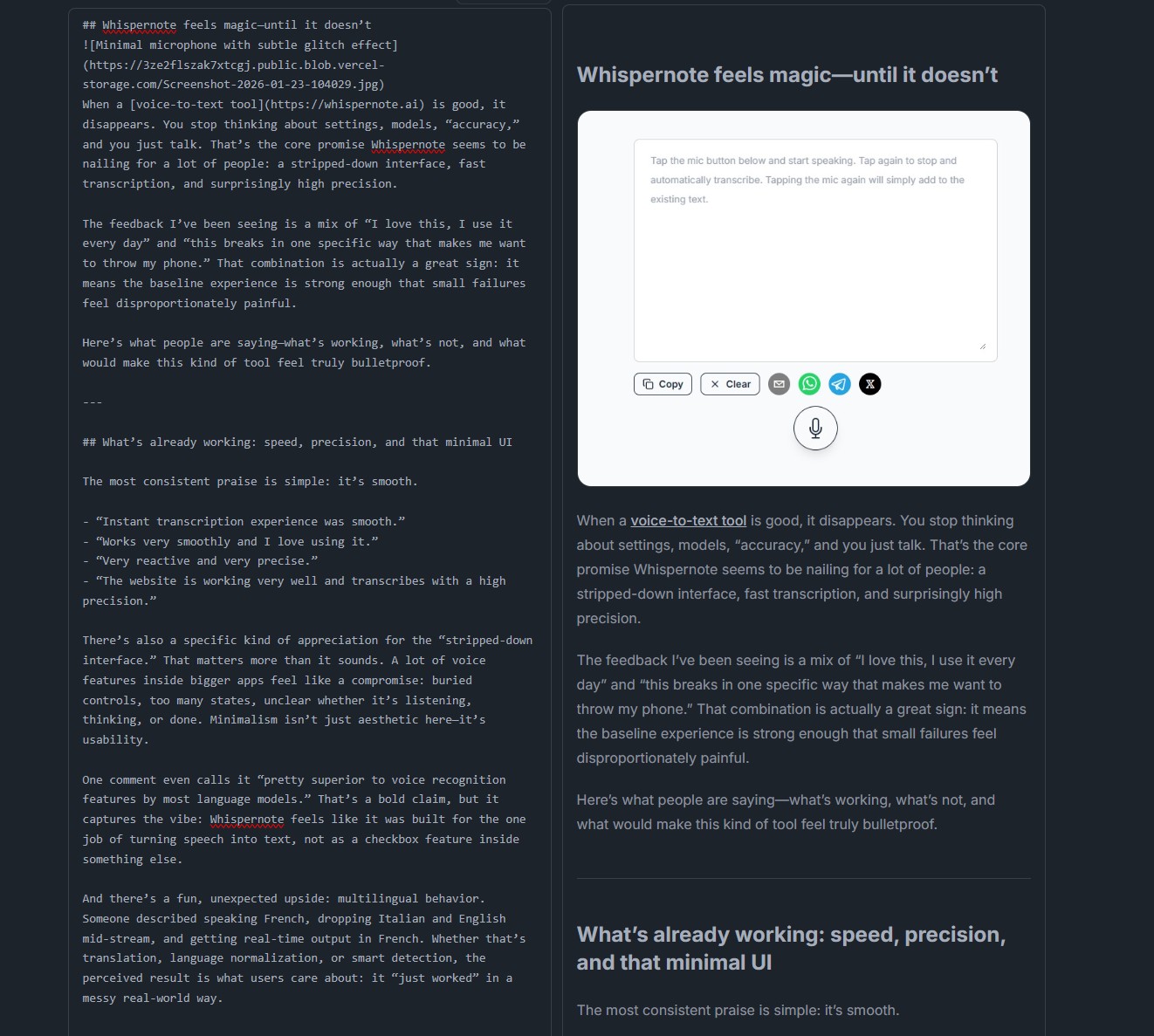
3) Paste it into ThinkInPublic.app and generate
Paste the copied feedback into ThinkInPublic and click Generate.
The tool turns messy, unstructured text into a readable, structured post—without losing the original tone or intent.
4) Share it
That’s it.
You now have a clean article that you can:
- share internally as a memo
- circulate with partners or stakeholders
- publish publicly if the feedback is worth showcasing
Same artifact. Different audiences.
When this works best
This approach is especially useful when:
- feedback is emotional or repetitive
- multiple people need the same context
- you want alignment without meetings
- you want proof of traction without hype
It’s not about content marketing. It’s about making feedback legible.
Final note
You don’t need to do this for every comment or complaint. But when a pattern emerges—or when feedback is strong enough to stand on its own—turning it into a short post is often the fastest way to give it reach.
A blog post, in this context, is just a report that travels well.