7 Feedback Form Examples I Wish I Had When I Started
Stop guessing what customers want. Here are 7 battle-tested feedback form examples and templates to get real answers, not vanity metrics. Steal these now.
Posted by
 Backsy
Related reading
Transforming Customer Feedback Analysis with AI in Real-Time
Discover how AI revolutionizes customer feedback collection and analysis, enabling swift, informed decision-making for businesses.
10 Voice of Customer Examples You Can Actually Use
Stop guessing. See 10 real voice of customer examples from surveys, social media, and support tickets to find out what your customers actually want.
A Founder's Guide to Analyzing Survey Data
A battle-tested approach to analyzing survey data. Learn how to turn raw feedback into actionable insights that drive real business decisions.
Your feedback process is a joke.
There, I said it. You’re collecting polite suggestions, not mission-critical intel. Your customers are either lying to be nice or venting because they're pissed. The truth—the stuff that stops you from burning cash on features nobody wants—is buried in the middle, and your "How did we do?" form isn't digging it up. I learned this the hard way, and it almost killed my first company.
If you're tired of running in circles based on vague "nice-to-haves," good. We're not going to "explore" theories. We're going to dissect specific, gritty feedback form examples from different trenches: SaaS, e-commerce, restaurants, and events. I'll show you the strategy, the layout, and when to deploy it. This isn't about collecting data; it's about turning that data into ammunition. You can’t get that intel without first understanding the principles behind mastering lead capture forms that convert.
Ignore this, and you’ll be lucky to survive the quarter.
1. Jotform
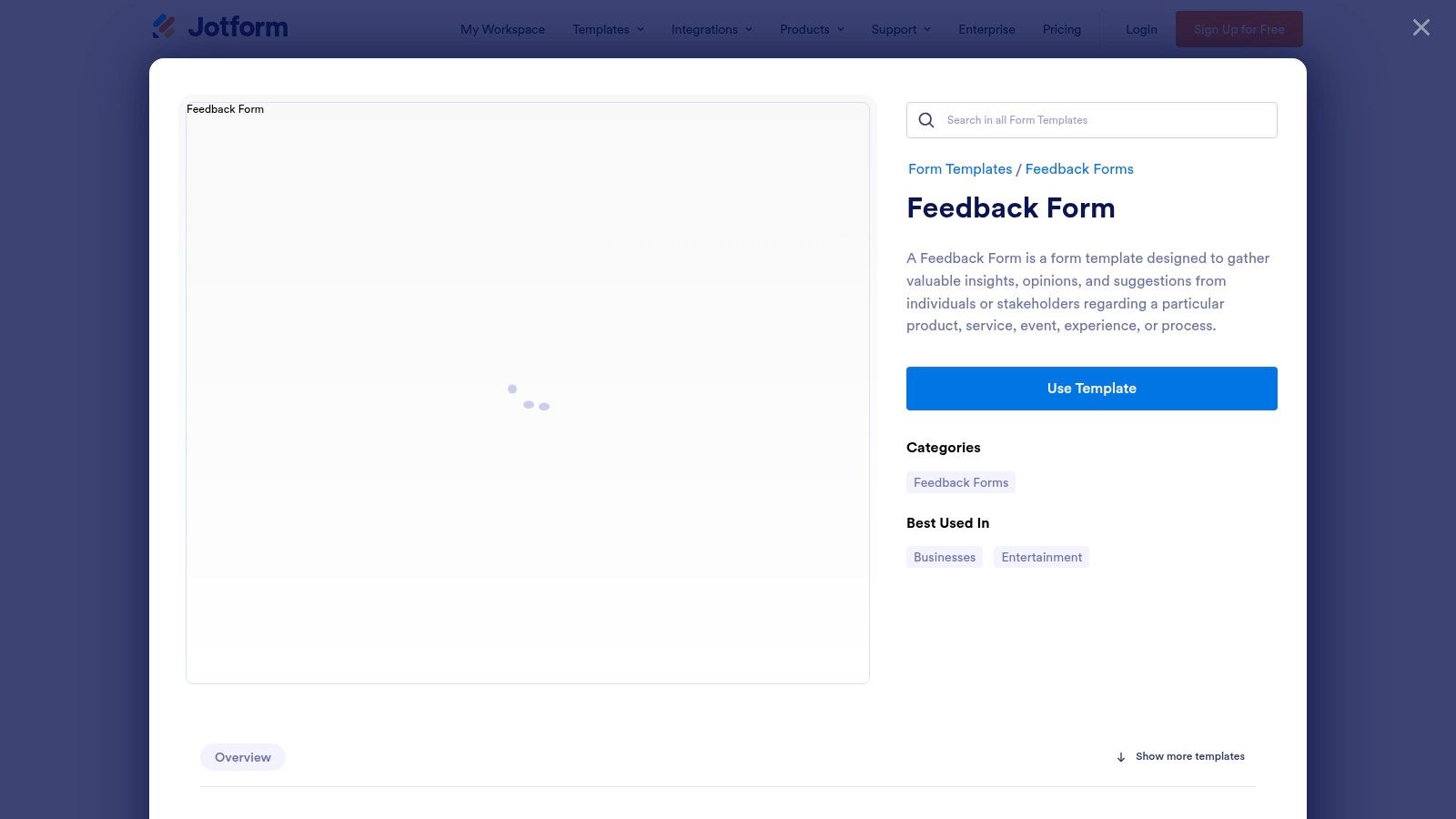
Stop staring at a blank page trying to invent the perfect feedback question. Your time is better spent on literally anything else. Jotform is the brute-force solution: a massive library of over 1,500 templates. This isn't about reinventing the wheel; it's about stealing a wheel that's already won a few races and bolting it onto your car.
The value is speed. Find a proven template for SaaS user satisfaction or post-event feedback and launch it in minutes. You’re not guessing; you’re starting with a battle-tested foundation.
Strategic Breakdown
Jotform’s strength is its sheer volume. The drag-and-drop builder is fine, but the real power is the one-click "Use Template" button. It eliminates the friction of creation. You can pipe responses directly into Slack for real-time alerts or Google Sheets for raw analysis. This turns a dumb form into part of a feedback workflow.
Takeaway: Don’t start from scratch. Find a template that’s 80% right and customize the last 20%.
Actionable Takeaways & Analysis
| Feature/Aspect | Tactical Application & What to Look For |
|---|---|
| Template Library | Search your specific industry (e.g., "SaaS feedback," "restaurant feedback"). Ignore the generic ones; find the niche templates. |
| Conditional Logic | Don't waste your customers' time. If they rate their experience 1-2 stars, ask "What went wrong?". If they rate it 5 stars, ask for a testimonial. |
| Integrations | Connect submissions to a #feedback-firehose Slack channel. Force your team to see customer sentiment, good or bad, in real-time. |
| Pricing | The free plan's branding screams "we're on a budget." For any serious customer-facing form, upgrade to at least the Bronze plan ($34/month). |
Jotform isn’t fancy, but it's the fastest path from idea to live feedback form. It’s for teams that need to move now and avoid getting bogged down in setup.
2. Typeform
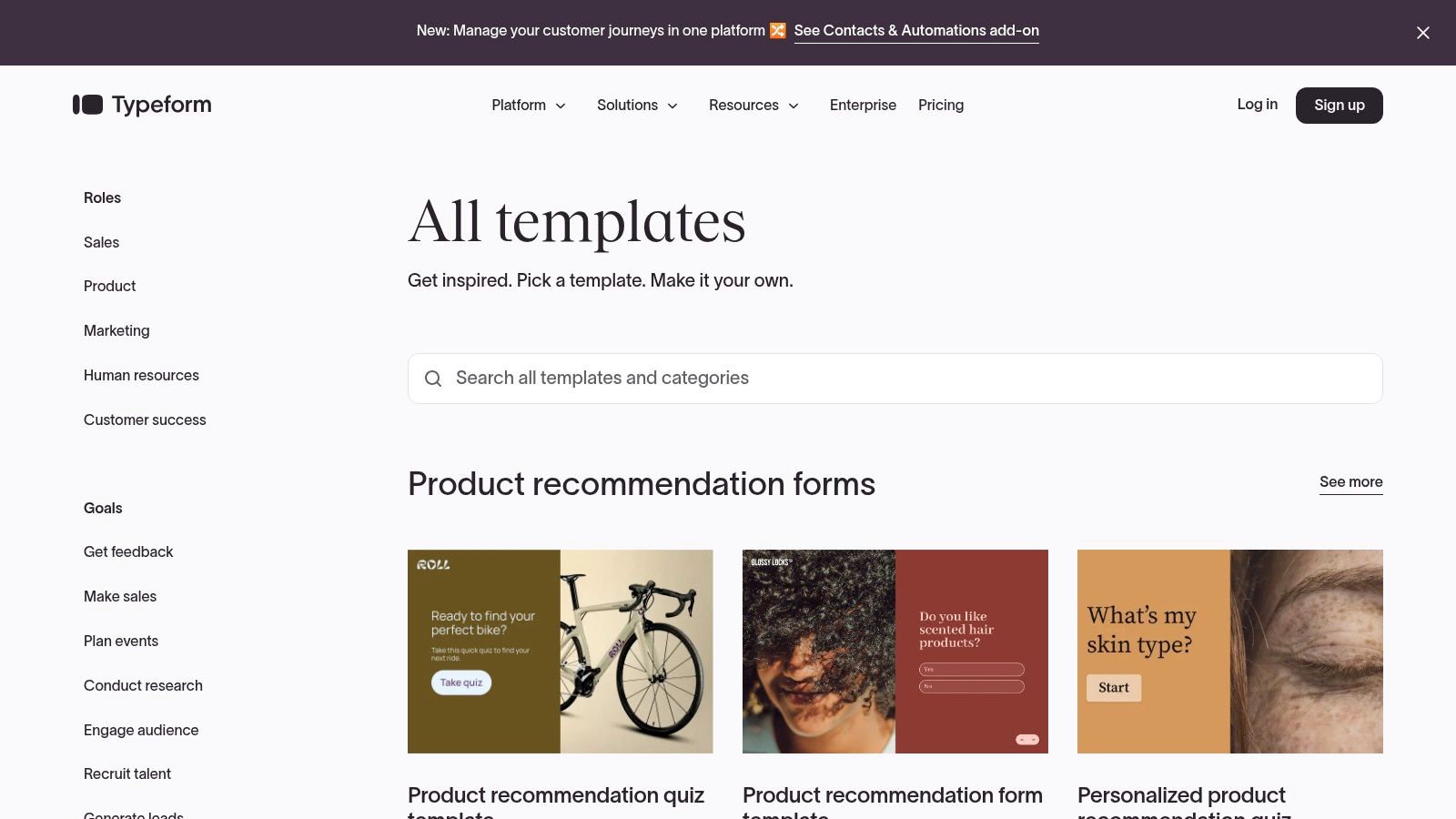
People hate filling out long, ugly forms. Typeform gets this. Its one-question-at-a-time approach feels more like a chat, which is a clever way to trick users into giving you more thoughtful feedback. This is your tool when the experience of giving feedback matters as much as the data itself.
The core value is psychology. Breaking a form into bite-sized questions reduces cognitive load and keeps users engaged. This focus on user experience often leads to higher completion rates, making it a strategic choice for high-stakes touchpoints.
Strategic Breakdown
Typeform makes data collection feel human. Its real power is the Logic feature. You can create intricate, branching paths that guide users down a customized rabbit hole based on their answers. It’s perfect for digging deeper into customer sentiment. You’re not just asking "Did you like it?"; you’re creating a dynamic interview that adapts in real-time.
Takeaway: Treat your feedback form like a conversation, not an interrogation.
Actionable Takeaways & Analysis
| Feature/Aspect | Tactical Application & What to Look For |
|---|---|
| Conversational UX | Use this for high-value feedback, like post-onboarding or churn surveys. The engaging interface makes users more likely to finish. |
| Powerful Logic | Map out complex feedback flows. If a user is happy with Feature A but hates Feature B, route them to specific questions about Feature B's shortcomings. For guidance on structuring these follow-ups, learn how to write effective open-ended questions on Backsy.ai. |
| Template Gallery | Look for templates that match your tone. Find their "Anonymous Feedback" or "Client Feedback" templates, then rewrite the copy to sound like you. |
| Pricing | The free plan’s response limits are a joke. For any real volume, you’ll need the Plus plan ($50/month) to remove branding and get enough responses. Don’t cheap out here. |
Typeform is the weapon you deploy when you need quality over quantity. If your goal is to get rich, detailed feedback without annoying your users, it's one of the best feedback form examples of design-led data collection out there.
3. SurveyMonkey
SurveyMonkey is the research department you can rent. This isn't for asking "How was your meal?" It's for deploying a validated CSAT question set that gives you a benchmarkable score. It’s for when you need to justify a product decision to your board with actual data, not just anecdotes.
This platform is designed for people who need to move from collecting opinions to generating business intelligence. It gives you the structure and analytics to prove you're not just guessing.
Strategic Breakdown
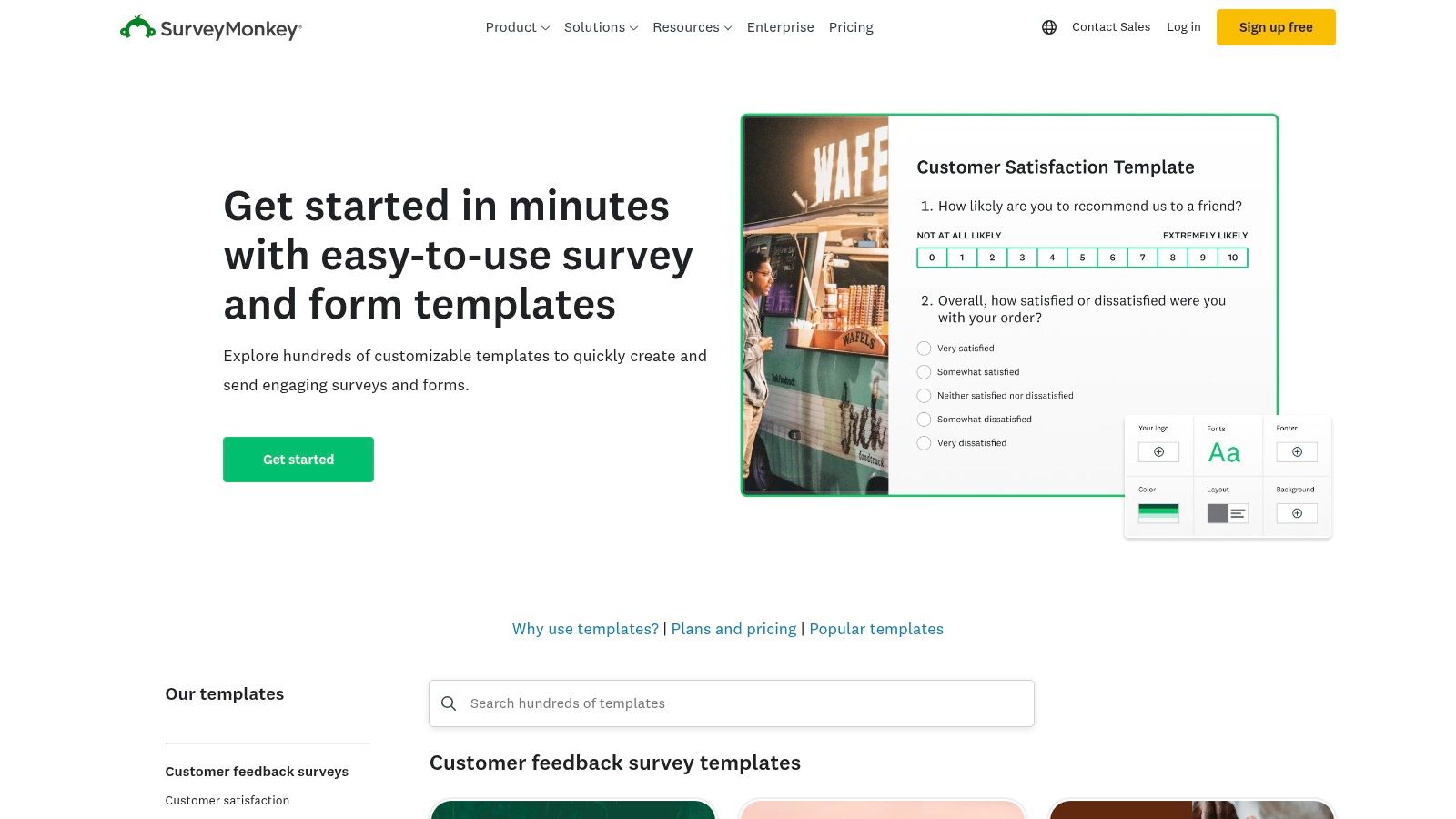
SurveyMonkey’s edge is its "expert-built" DNA. The value is its research-backed question library, worded to minimize bias and elicit accurate responses. Its reporting tools, like filters and crosstabs, let you slice your data to find hidden patterns—like seeing if your highest-paying customers are consistently less satisfied with a particular feature.
Takeaway: Stop making up questions. Use SurveyMonkey’s question bank to ask the right questions the right way, the first time.
Actionable Takeaways & Analysis
| Feature/Aspect | Tactical Application & What to Look For |
|---|---|
| Question Bank | Before building anything, browse the "Customer Satisfaction" or "Net Promoter Score" categories. Steal their proven questions word-for-word. |
| Analytics & Reporting | Use filters to isolate responses from your highest-value customers. Compare their satisfaction scores against everyone else. This is how you find out if you're keeping the right people happy. |
| Distribution Channels | Use the QR code feature on product packaging. Use the SMS channel for post-purchase feedback when email open rates suck. Match the channel to the context. |
| Pricing | The free plan is a demo. For a real feedback program, you’ll need a Team plan (starting around $25/user/month). It's one of the best survey tools for small businesses ready to get serious about data. |
SurveyMonkey isn't for quick, disposable forms. It’s for when you’re ready to treat customer feedback as a critical data source for strategic decisions. It forces discipline.
4. Microsoft Forms (Microsoft Create)
If your entire company runs on Microsoft 365, stop trying to staple a third-party form builder onto your workflow. It's like buying a fancy espresso machine when you already have a commercial-grade one in the office kitchen. Microsoft Forms is the path of least resistance.
The value here isn’t a revolutionary feature set; it’s convenience. For organizations entrenched in Teams, SharePoint, and Excel, it leverages your existing infrastructure without adding another subscription to the P&L or another login for your team to forget.
Strategic Breakdown
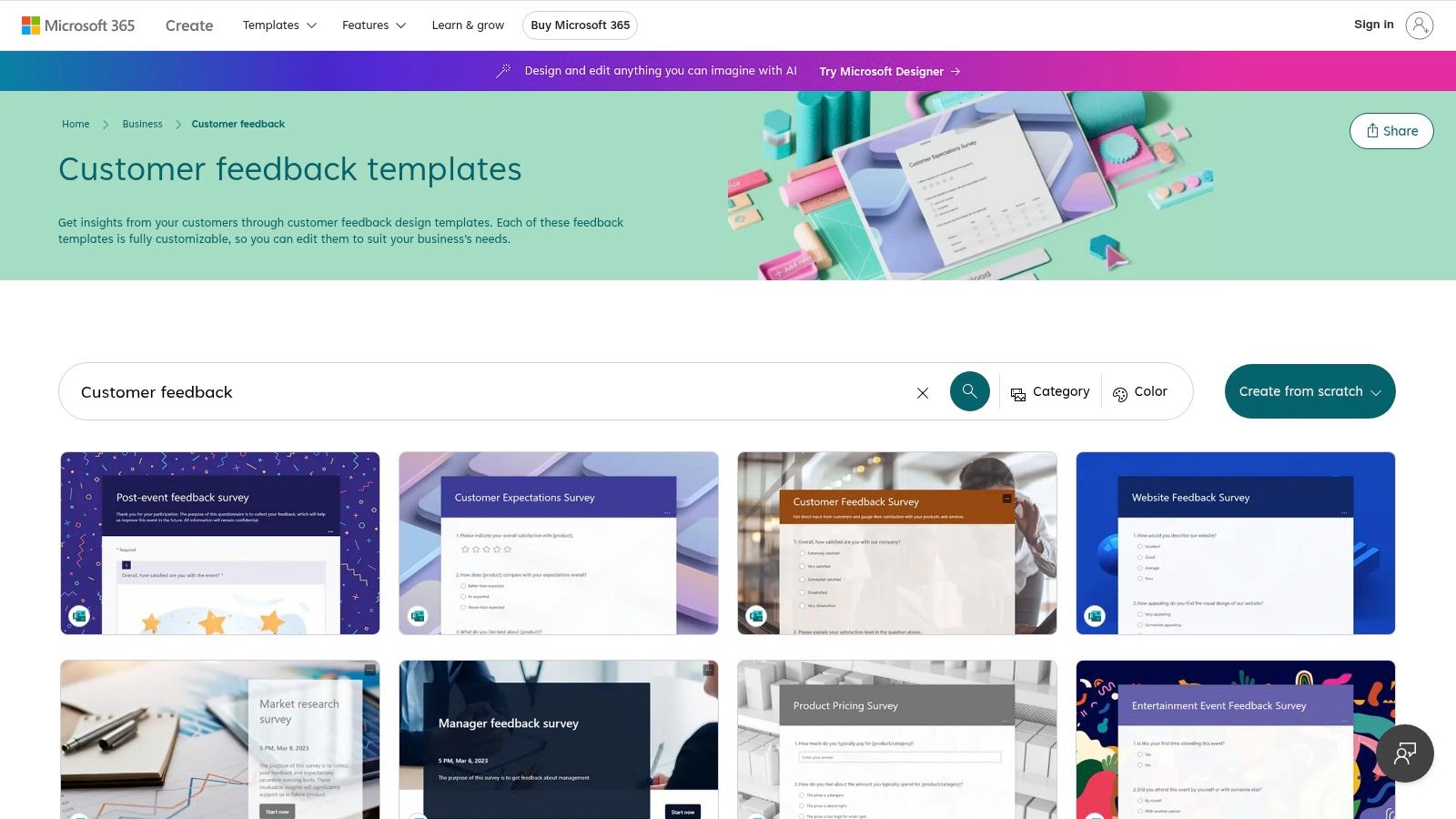
Microsoft Forms’ core strength is its native integration. The one-click export to Excel and the ability to embed forms directly into SharePoint or Teams channels is the whole game. It’s designed for frictionless data collection inside the corporate firewall. The trust and familiarity of the Microsoft brand can also increase response rates in stodgy B2B environments.
Takeaway: Leverage your "closed ecosystem" advantage. It’s the pragmatic choice for internal feedback or surveying clients who are also Microsoft shops.
Actionable Takeaways & Analysis
| Feature/Aspect | Tactical Application & What to Look For |
|---|---|
| Microsoft Create Templates | The "Customer Feedback Survey" template is a solid, professional starting point. Tweak the questions to be specific to your product immediately. |
| Excel Integration | Don't just look at the in-app charts. Export every significant feedback batch to Excel. Create a master spreadsheet to track sentiment scores over time to spot trends before they become fires. |
| Organizational Controls | For internal feedback, use the "Only people in my organization can respond" setting. Perfect for confidential employee satisfaction surveys where you need honest, attributable feedback. |
| Pricing | It's free with your Microsoft 365 subscription. The only cost is the one you’re already paying. |
Microsoft Forms isn't trying to be the best. It offers a powerful, integrated, and cost-effective solution for businesses already inside the Microsoft walled garden. It’s the sensible, efficient choice.
5. Google Forms
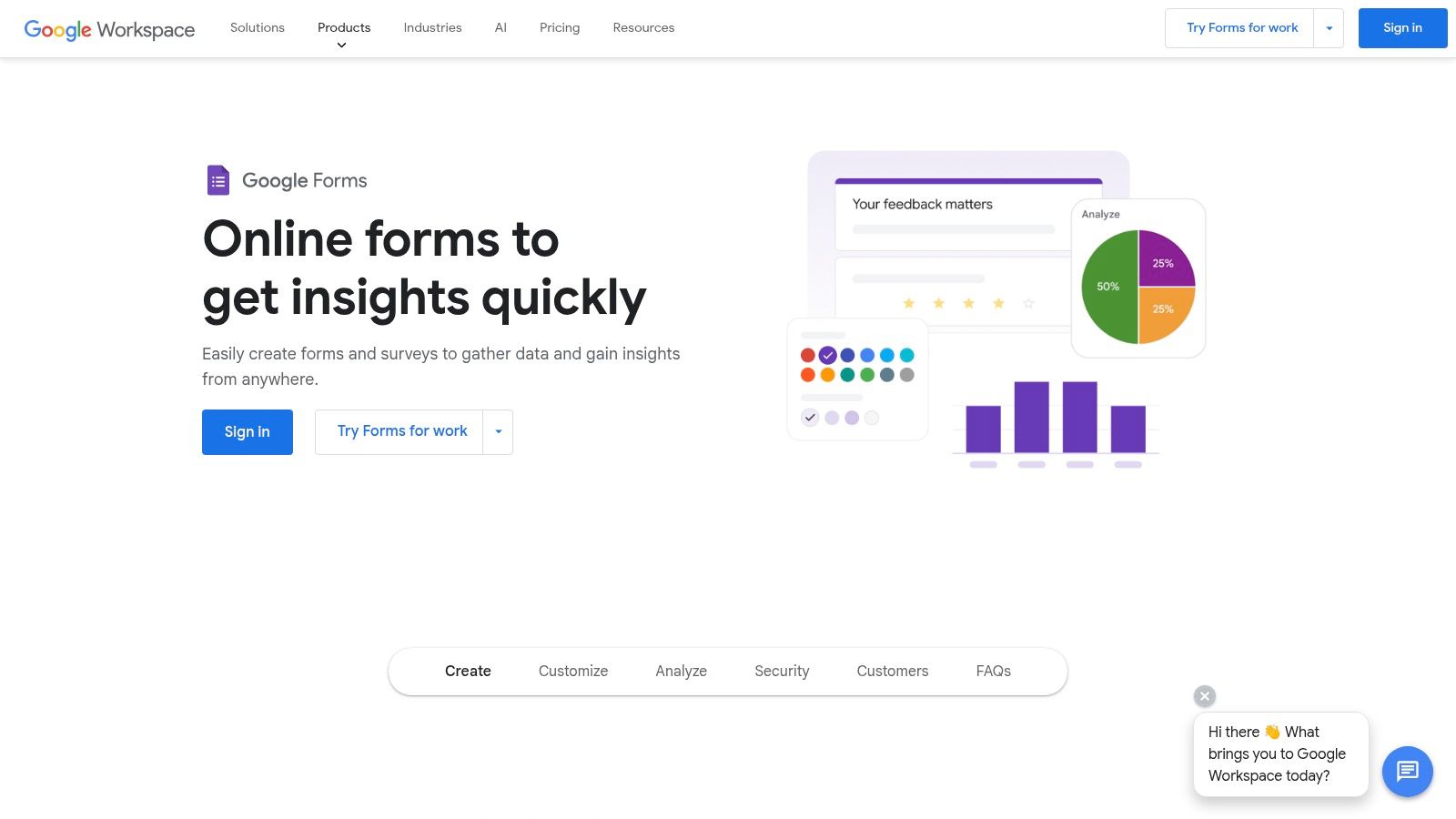
You're not building a feedback empire on day one. You need something fast, free, and functional that won't require a budget meeting. Google Forms is the default, no-excuses tool for this. It's the digital equivalent of a clipboard and a pen.
If other platforms are a full-course meal, Google Forms is a protein bar. It’s not fancy, but it gets the job done when you need to move. You can build and deploy a functional form in the time it takes to finish a cup of coffee.
Strategic Breakdown
Google Forms' advantage is its complete lack of friction. It's free, instantly familiar, and results are automatically piped into Google Sheets. This creates a zero-cost, zero-setup feedback loop perfect for startups that need data now. While it lacks advanced logic, it provides one of the cleanest feedback form examples for raw data collection.
Takeaway: The best feedback form is the one you actually ship. Don't let perfectionism stop you from collecting crucial data today with a tool you already have.
Actionable Takeaways & Analysis
| Feature/Aspect | Tactical Application & What to Look For |
|---|---|
| Template Gallery | Use the "Customer Feedback" or "Event Feedback" template as a starting point. They're basic but cover the essentials. Don't overthink it. |
| Google Sheets Integration | This is the main event. Responses land in a spreadsheet in real-time. Use this raw data to create pivot tables and charts to spot trends without paying for a fancy dashboard. |
| Apps Script Automation | For negative feedback (e.g., a 1-star rating), trigger an automated script that emails your support lead immediately. This turns a passive data collection tool into an active fire alarm. |
| Branding & Limitations | Branding is minimal. Don't fight it. A "plain" form often feels more authentic and less corporate, which can increase response rates. Acknowledge its limits; it's not a marketing tool. For more details on the setup, learn how to create effective feedback forms. |
Google Forms is the leanest way to validate an idea or get a quick pulse check. Use it to prove you have a problem worth solving before you invest in a more powerful tool.
6. Formstack
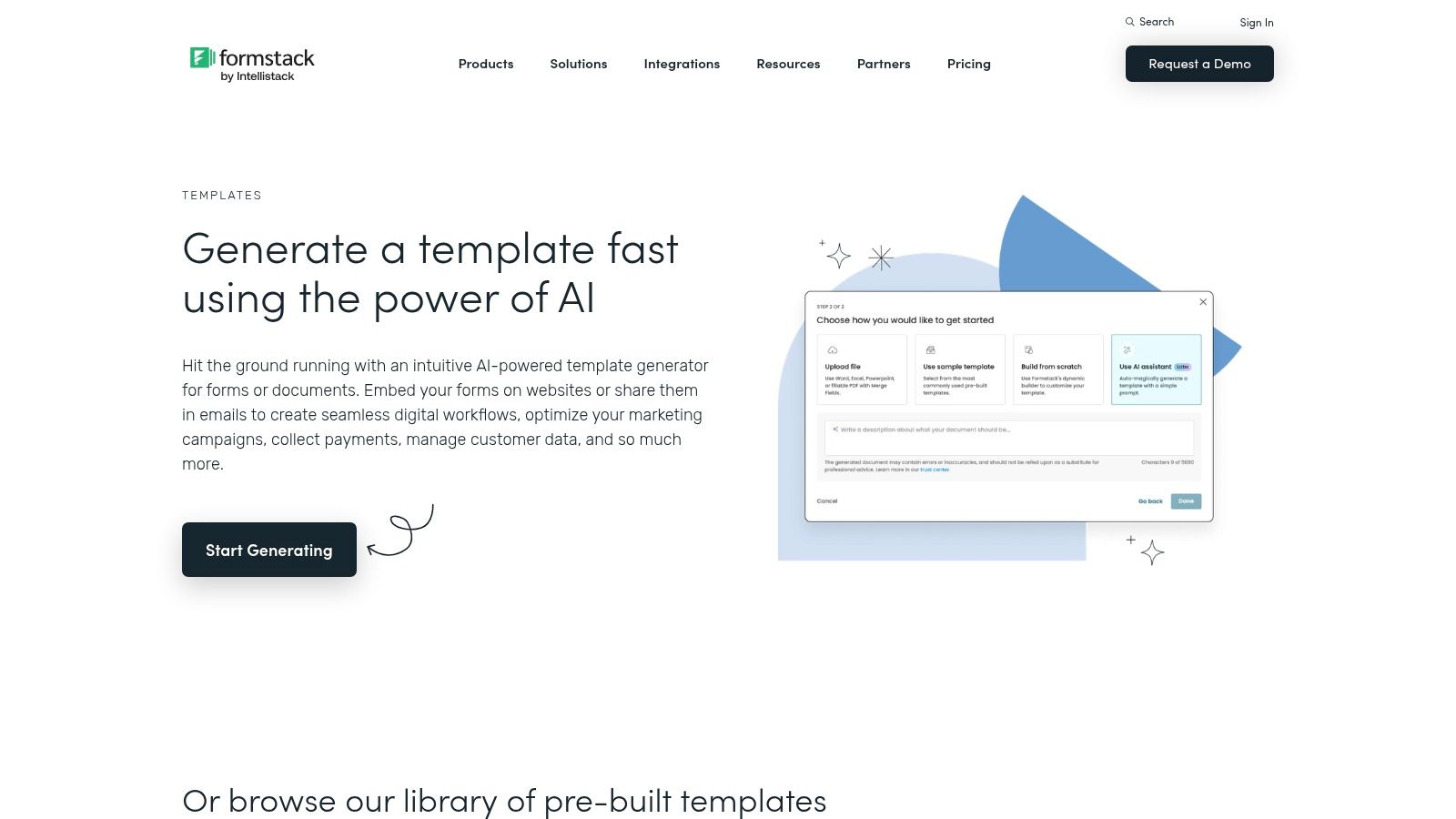
If your feedback process involves more than one person, you're already in over your head with basic form builders. Formstack is for when feedback isn't just a suggestion box; it's the start of a multi-stage internal workflow. It’s the grown-up in the room, built for complex operations where a submitted form needs to trigger approvals and route data to different departments.
This platform is for organizations where compliance and process are non-negotiable. This is where you go when a bad feedback score needs to automatically create a support ticket, notify a manager, and log the entire interaction for compliance.
Strategic Breakdown
Formstack’s advantage is its powerful backend workflows. This is crucial for regulated industries or large organizations managing complex processes like 360-degree employee reviews or formal customer complaint resolution. The ability to generate branded PDFs from submissions is a massive, often overlooked, benefit. It automates the administrative busywork that follows feedback collection.
Takeaway: Treat feedback as the first step in a process, not the last. Formstack bakes that action directly into its DNA.
Actionable Takeaways & Analysis
| Feature/Aspect | Tactical Application & What to Look For |
|---|---|
| Workflows & Approvals | Use this for formal complaint processes. A submission can be automatically routed to Tier 1 support, then escalated to a manager if the issue meets certain criteria. |
| Conditional Logic | Build multi-page forms that feel less overwhelming. If a user selects "bug report," show fields for browser version and steps to reproduce. If they select "feature request," show a field for describing the use case. |
| Document Generation | Automate follow-up reports. For post-event feedback, instantly generate a PDF summary for stakeholders, highlighting key metrics and quotes without manual copy-pasting. |
| Pricing | Formstack is not for hobbyists. The real power starts with the "Forms" plan at $50/month. The more advanced workflow and compliance features are locked behind higher tiers. |
Formstack is the right choice when your feedback has consequences. It’s for businesses where a response isn't just data to be reviewed but a trigger for a series of defined, measurable actions.
7. Wufoo
If you need a feedback form online yesterday and don't care about the latest design trends, Wufoo is your workhorse. Acquired by SurveyMonkey, it’s one of the OG form builders. It’s not flashy, but it’s straightforward, reliable, and gets the job done without a steep learning curve. Think of it as the Toyota Corolla of form builders: it’s not going to turn heads, but it will reliably get you from A to B.
The value proposition is pure utility. Wufoo’s templates offer practical, no-fluff starting points. You can grab one, make a few quick edits, and embed it on your site in under ten minutes. It’s built for teams that prioritize speed over deep customization.
Strategic Breakdown
Wufoo’s strength is its legacy of simplicity. It’s a fast, WYSIWYG editor that anyone can master. It’s an excellent source for foundational feedback form examples because the templates are built around clear, direct questions. You’re not getting distracted by parallax effects; you’re focused on the core function of data collection.
Takeaway: A "good enough" form that’s live today beats a "perfect" form stuck in design review for a week.
Actionable Takeaways & Analysis
| Feature/Aspect | Tactical Application & What to Look For |
|---|---|
| Template Gallery | The "Website Feedback Form" and "Suggestion Box" templates are solid, no-nonsense starting points. Use them as-is for rapid deployment. |
| Basic Rules | Use field rules to show or hide questions. In a "Suggestion Box," if an employee selects "Process Improvement," show a field asking "Which department does this affect?". |
| Embeddable Forms | Don't just link to your form. Use the provided embed code to place it directly on a contact page or post-purchase confirmation screen. Reduce friction. |
| Pricing | The free plan is a joke. The Starter plan ($14/month) is the minimum viable option. The Professional plan ($29/month) is a sweet spot for small businesses. |
Wufoo is the antidote to analysis paralysis. It’s for the founder who needs feedback but doesn't have time to get bogged down in a complex tool. It’s simple, it works, and it will get you collecting insights before your competition has finished picking their brand colors.
Top 7 Feedback Form Tools Comparison
| Tool | Implementation Complexity 🔄 | Resource Requirements & Speed ⚡ | Expected Quality ⭐ | Results / Impact 📊 | Ideal Use Cases & Key Advantages 💡 |
|---|---|---|---|---|---|
| Jotform | Low — drag-and-drop + templates; basic conditional logic | Low–Moderate — free tier (branding), fast to launch | High for standard feedback; proven templates ⭐⭐⭐ | Reliable form capture; good integration-driven workflows 📊 | Rapid deployment across industries; large template gallery & integrations 💡 |
| Typeform | Moderate — one-question UX and advanced logic | Moderate — paid plans for higher responses/branding; engaging UX speeds completion | High engagement and completion rates ⭐⭐⭐⭐ | Better qualitative responses and conversions 📊 | Brand-forward surveys, conversational feedback, strong automation/integrations 💡 |
| SurveyMonkey | Moderate–High — research-backed design and analytics tools | Moderate–High — advanced features behind paid tiers; multiple distribution channels | High for research and CX surveys ⭐⭐⭐⭐ | Deep reporting, text analysis, dashboards for programmatic feedback 📊 | Customer experience programs, research-grade templates and analytics 💡 |
| Microsoft Forms | Low — template-based, simple authoring | Low — included with Microsoft account/365; quick sharing and Excel export | Good for internal/basic surveys ⭐⭐ | Basic analytics and easy Excel workflows 📊 | Organizations on Microsoft 365; internal feedback and simple surveys 💡 |
| Google Forms | Very Low — minimal setup, template starter | Very Low — free with Google account; Sheets and Apps Script automations | Adequate for basic feedback ⭐⭐ | Fast data capture and real-time Sheets export 📊 | Quick free surveys, education, small teams; easy automation with Apps Script 💡 |
| Formstack | High — complex workflows, routing, approvals | High — enterprise pricing; compliance features increase cost | High for complex/multi-stakeholder processes ⭐⭐⭐⭐ | Strong workflow automation, document generation, compliance-ready 📊 | Enterprise programs, HIPAA/compliance needs, multi-step feedback processes 💡 |
| Wufoo | Low — simple, long-standing form builder | Low — affordable entry plans; quick to deploy | Good for straightforward forms ⭐⭐ | Fast deployment; limited advanced analytics 📊 | Small businesses and simple feedback needs; quick and affordable forms 💡 |
Stop Admiring the Problem and Start Fixing It.
Looking at feedback form examples is a form of procrastination. It feels like work, but it isn't. The real work starts when you stop copying and start deploying. The gap between your current product and the one customers desperately want is filled with the answers you've been too lazy, too scared, or too "busy" to collect.
A hammer doesn't build a house. A skilled carpenter does. Your job isn't to pick the prettiest form builder. Your job is to extract mission-critical insights that prevent you from building useless features or burning marketing cash on the wrong message.
Let's recap the principles that separate winners from the want-to-bes:
- Context is King: When and where you ask is more important than the question. An exit-intent survey on a pricing page needs different DNA than a post-purchase NPS form.
- Question Design is a Weapon: Vague questions get vague, useless answers. "What do you think of our app?" is garbage. "What is the one thing that almost stopped you from signing up today?" is gold.
- Friction Kills Completion Rates: Long forms and confusing layouts are your enemy. Respect your user's time.
Collecting feedback is step one. Most founders stop there, letting valuable responses rot in a spreadsheet. That's like mining for gold and leaving it in the dirt. The point is to find patterns in the noise. It’s to hear what ten people are saying, not just the one who shouts the loudest. This is non-negotiable. Learn how to utilize customer feedback for continuous improvement or you're just performing customer service theater.
Stop admiring the problem. Pick a tool, adapt a template, and get it live. Today. Your competitors are hoping you'll keep "strategizing" in meetings. Prove them wrong.
Stop wasting founder-level time on intern-level work reading spreadsheets and let Backsy.ai find the signal in your customer feedback noise for you.
