12 Best Qualitative Analysis Software Tools (2025 Showdown)
Stop drowning in feedback. Discover the 12 best qualitative analysis software tools to code, theme, and analyze customer data—without the manual grunt work.
Posted by
 Backsy
Related reading
Qualitative Research Coding: From Manual Grind to AI Insights
Master qualitative research coding with a battle-tested guide. Move from tedious manual methods to smart AI analysis and find the insights that matter.
You’re Sitting on a Goldmine and Treating it Like a Landfill
Learn how to analyze qualitative data effectively. Discover key techniques to turn customer feedback into actionable insights for your startup's growth.
Stop guessing. Wading through thousands of customer comments, interview notes, and survey responses with a spreadsheet is a slow death. The insights you need are in there, but manual coding is where product velocity goes to die.
Here’s the TL;DR on the best qualitative analysis software, from academic powerhouses to AI-driven tools built for speed.
| Tool Category | Best For... | Key Weakness | Price Point |
|---|---|---|---|
| AI-First (e.g., Backsy.ai) | SaaS teams needing fast, actionable insights from continuous feedback. | Less suited for deep, academic ethnographic research. | $$ |
| Academic Suites (e.g., NVivo, ATLAS.ti) | In-depth, mixed-methods research with complex coding and visualization. | Steep learning curve, expensive, slow for business use. | $$$$ |
| Cloud-Based (e.g., Dedoose, Delve) | Collaborative teams, students, and budget-conscious researchers. | Lacks the raw power and statistical depth of desktop suites. | $$ |
| Free & Open Source (e.g., Taguette) | Beginners, small projects, and users with extreme data privacy needs. | Minimalist feature set; not built for scale. | Free |
The "best" tool depends entirely on your goal: Are you writing a dissertation over six months, or do you need to figure out why churn spiked last week? Choose the tool that matches your team's velocity.
1. Backsy.ai
Backsy.ai gets the top spot because it's built for one thing: turning messy, unstructured customer feedback into a prioritized action list, fast. It ditches the academic complexity and focuses on the core business problem—analyzing the firehose of comments from surveys, reviews, and support tickets without hiring a team of analysts. It’s less about manual coding and more about automated insight.
Its strength is the AI-driven "one-click" analysis. It automatically filters out spam and junk, then clusters the real feedback into themes, flags sentiment, and surfaces trends. Instead of spending 40 hours tagging 1,000 open-ended responses, you get a clean dashboard showing you the top 5 friction points customers are screaming about. It’s built for product managers, founders, and CX leaders who need answers, not another research project.
Key Strengths & Use Cases
- Automated Theme & Sentiment Analysis: You just dumped 500 NPS comments into the tool. Backsy automatically groups them into "slow performance," "missing integration," and "confusing UI," showing you that 80% of detractors mention performance. No manual tagging needed.
- Natural Feedback Capture: Collects feedback via simple text or voice widgets, encouraging customers to leave detailed, honest comments instead of forcing them through a rigid 10-question survey.
- Built-in Action Loop: Lets you reward customers for great feedback with discounts or feature their testimonials, turning feedback from a cost center into a marketing asset.
The trade-off is that it’s not designed for deep, academic qualitative research with complex coding hierarchies. It’s a business tool, not a university lab tool. Pricing requires a demo.
- Real-world Example: A SaaS company uses Backsy to analyze 1,000 churn survey responses. The AI instantly identifies that "missing a Zapier integration" is the #1 reason for churn among high-value accounts, giving the product team a clear, data-backed mandate for the next sprint.
- Actionable Takeaway: If you have more than 100 pieces of customer feedback a month, stop using spreadsheets. Your time is more valuable than that.
Learn more at Backsy.ai.
2. Lumivero (NVivo)
NVivo is the 800-pound gorilla of academic qualitative analysis. It’s the tool you use when you need to write a peer-reviewed paper, not just figure out what customers want. It’s a desktop-first beast that can handle nearly any data type you throw at it—text, audio, video, images, social media data—and provides incredibly deep tools for coding, querying, and visualizing connections.
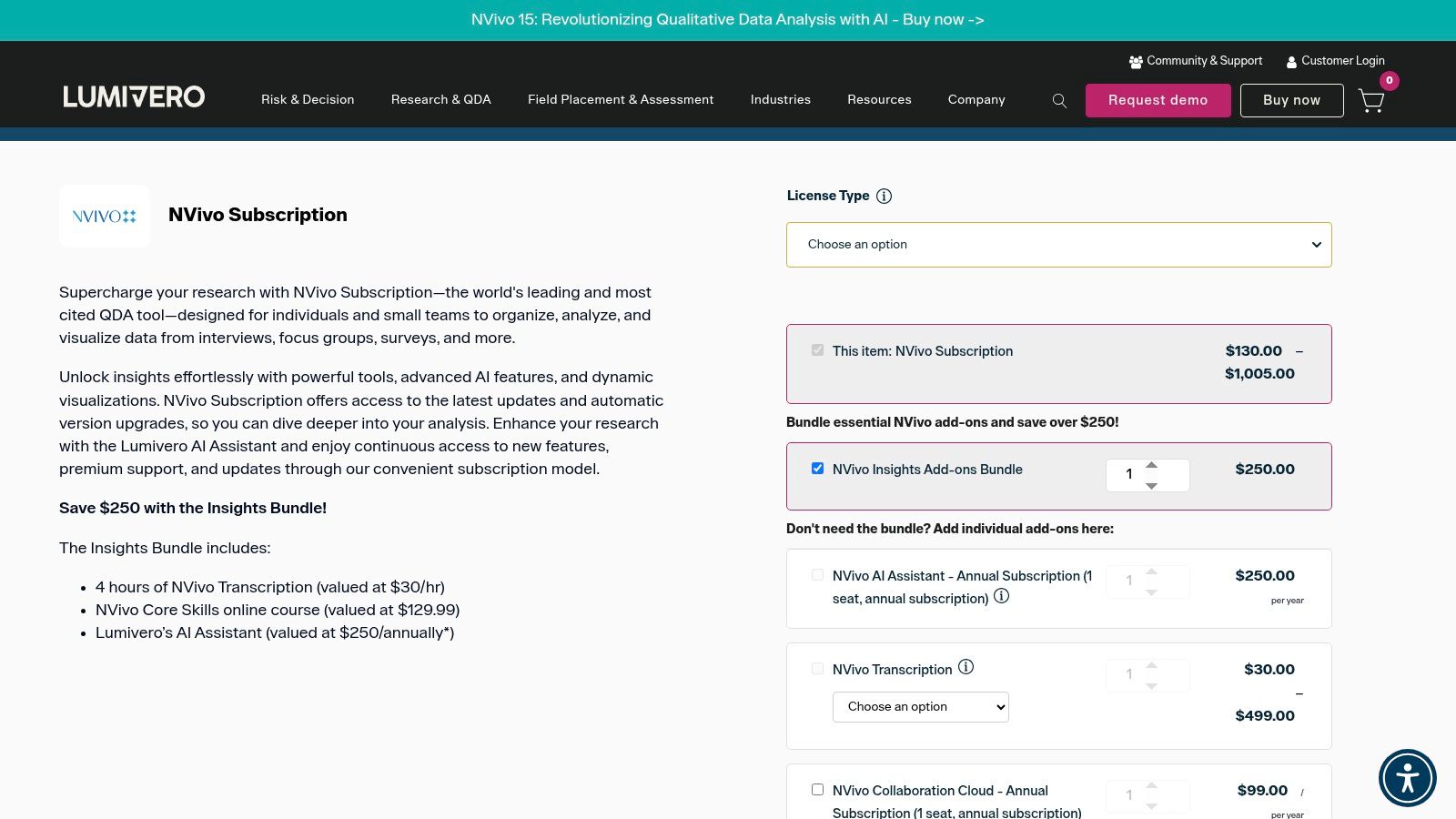
It’s powerful but complex. The ecosystem includes add-ons for AI assistance, transcription, and cloud collaboration, but each piece adds to the cost and complexity. NVivo is for projects where methodological rigor is non-negotiable and you have the time and budget to support it. To get the most from it, you should learn more about how to analyse qualitative data using formal methods.
Strengths & Weaknesses
Pros: The industry standard for academic research. Unmatched power for mixed-methods analysis and handling diverse data types. Extensive community support and training resources.
Cons: Steep learning curve. Expensive, with key features like collaboration sold as costly add-ons. Overkill for most business use cases where speed is critical.
Real-world Example: A PhD student analyzes 50 hours of interview transcripts, using NVivo's detailed coding and matrix query tools to explore the intersection of demographic data and thematic codes in their dissertation.
Actionable Takeaway: Choose NVivo if your primary output is a formal research paper; choose something else if your primary output is a product roadmap.
Website: https://lumivero.com/product/nvivo/
3. ATLAS.ti
ATLAS.ti is a direct competitor to NVivo, but with a modern twist: a single license gives you access to fully-featured desktop (Windows/Mac) and web versions. This cross-platform parity is a huge win for teams that have both Mac and PC users or need the flexibility to work from anywhere. It's a powerful tool designed for serious research but with better usability and collaboration features than many legacy platforms.
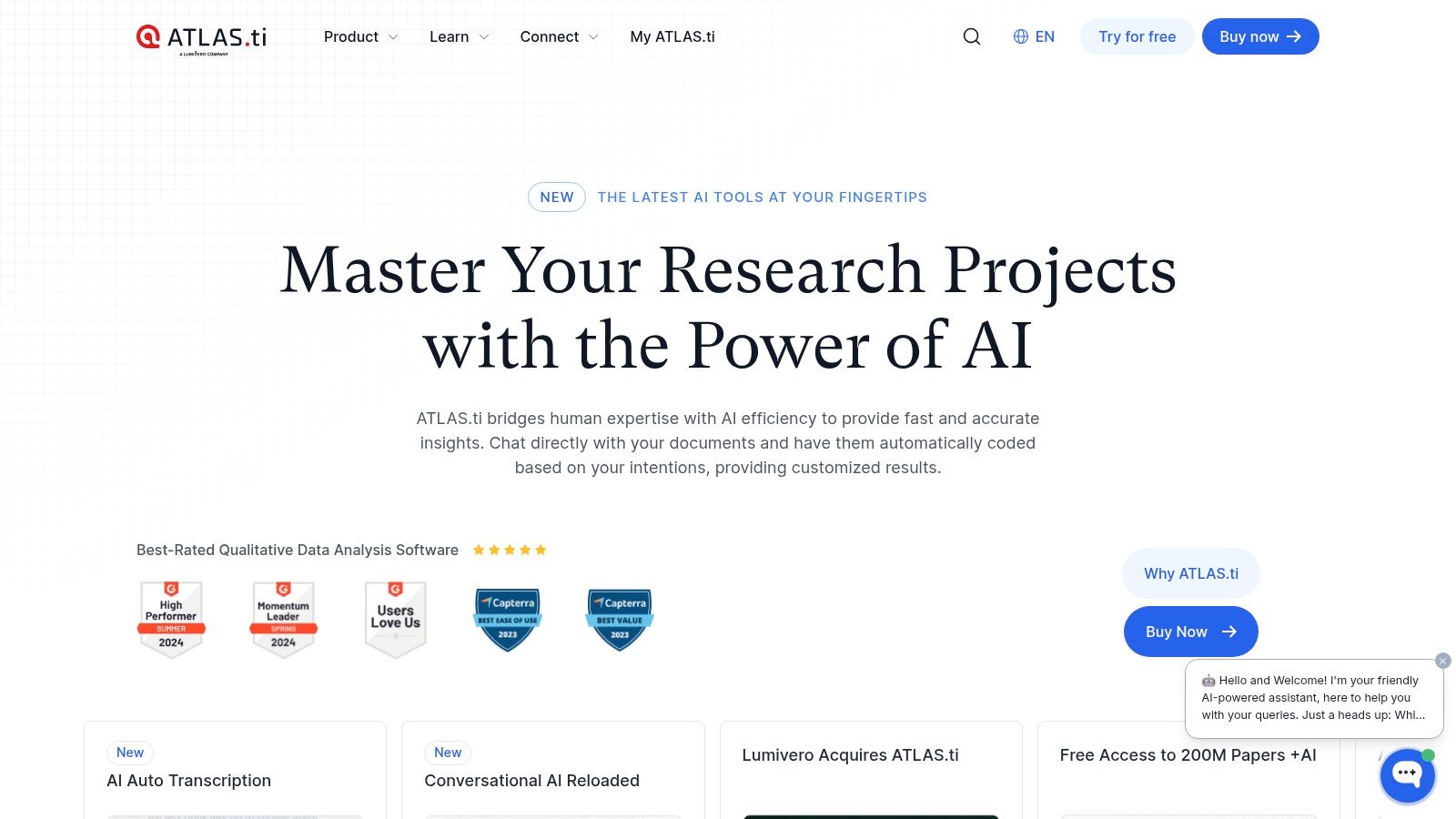
The integration of AI-assisted coding and real-time collaboration in the web version makes it feel more like a modern SaaS tool. It aims to bridge the gap between academic rigor and the needs of distributed research teams.
Strengths & Weaknesses
Pros: Excellent cross-platform experience with no feature gaps between web and desktop. Real-time collaboration is built-in. Integrated AI tools help speed up the initial coding process.
Cons: Pricing can be less transparent than competitors, often requiring you to go through a checkout or quote process. Still has a significant learning curve for newcomers.
Real-world Example: A distributed market research team uses the ATLAS.ti web version to collaboratively code 200 focus group transcripts in real-time, eliminating the need to merge separate project files.
Actionable Takeaway: If your team is split between Mac and Windows users, ATLAS.ti's seamless cross-platform support makes it a top contender.
Website: https://atlasti.com/
4. MAXQDA (VERBI)
MAXQDA is another academic heavyweight, known for its clean interface, rock-solid stability, and powerful visualization tools. Like ATLAS.ti, it offers identical functionality on both Windows and Mac, a major advantage for mixed-OS environments. It excels at mixed-methods research, allowing you to elegantly combine qualitative codes with quantitative variables.
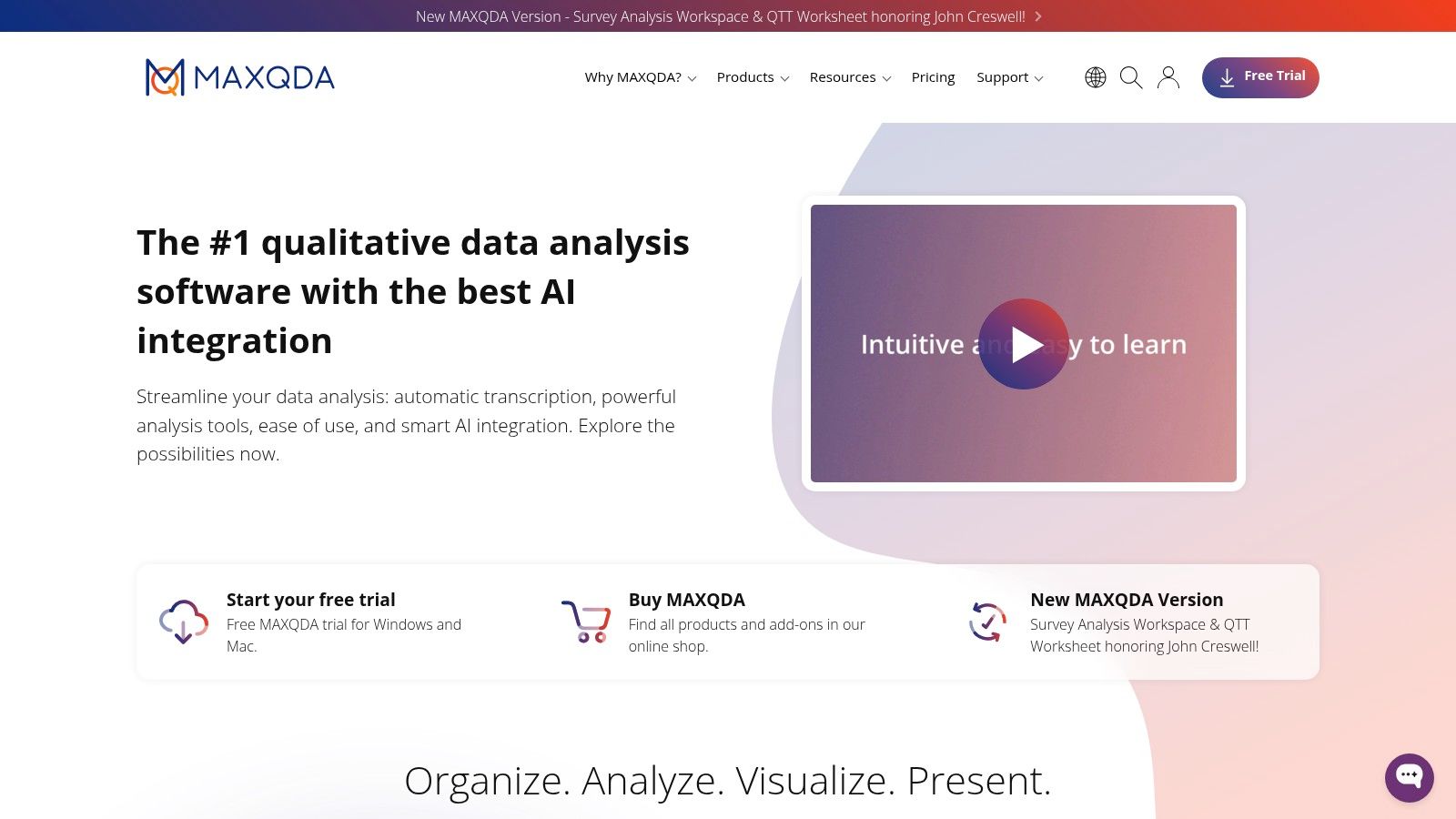
Its ecosystem is expanding with add-ons like TeamCloud, AI Assist, and transcription, but they come at an extra cost. MAXQDA is a fantastic choice for researchers who appreciate a polished user experience and need robust tools for creating insightful charts and diagrams from their coded data. To get started, you can learn more about coding data for qualitative research.
Strengths & Weaknesses
Pros: Very stable with a clean, intuitive interface. Powerful and beautiful data visualization tools. Perfect feature parity between Mac and Windows versions.
Cons: Essential collaboration and AI features are sold as separate, pricey add-ons, which can dramatically increase the total cost.
Real-world Example: An institutional researcher uses MAXQDA's "Code Matrix Browser" to visually compare how different participant demographics (e.g., age, location) discuss key themes, instantly revealing patterns that would be hidden in raw text.
Actionable Takeaway: If visualizing your qualitative data is as important as coding it, MAXQDA’s charting capabilities are a significant advantage.
Website: https://www.maxqda.com/
5. Dedoose
Dedoose is a fully cloud-based platform built for collaborative mixed-methods research. Its killer feature is a flexible, pay-as-you-go pricing model. You only pay for the months you actively use the software, making it incredibly cost-effective for students, academics with grant-based projects, and consultants with fluctuating workloads.
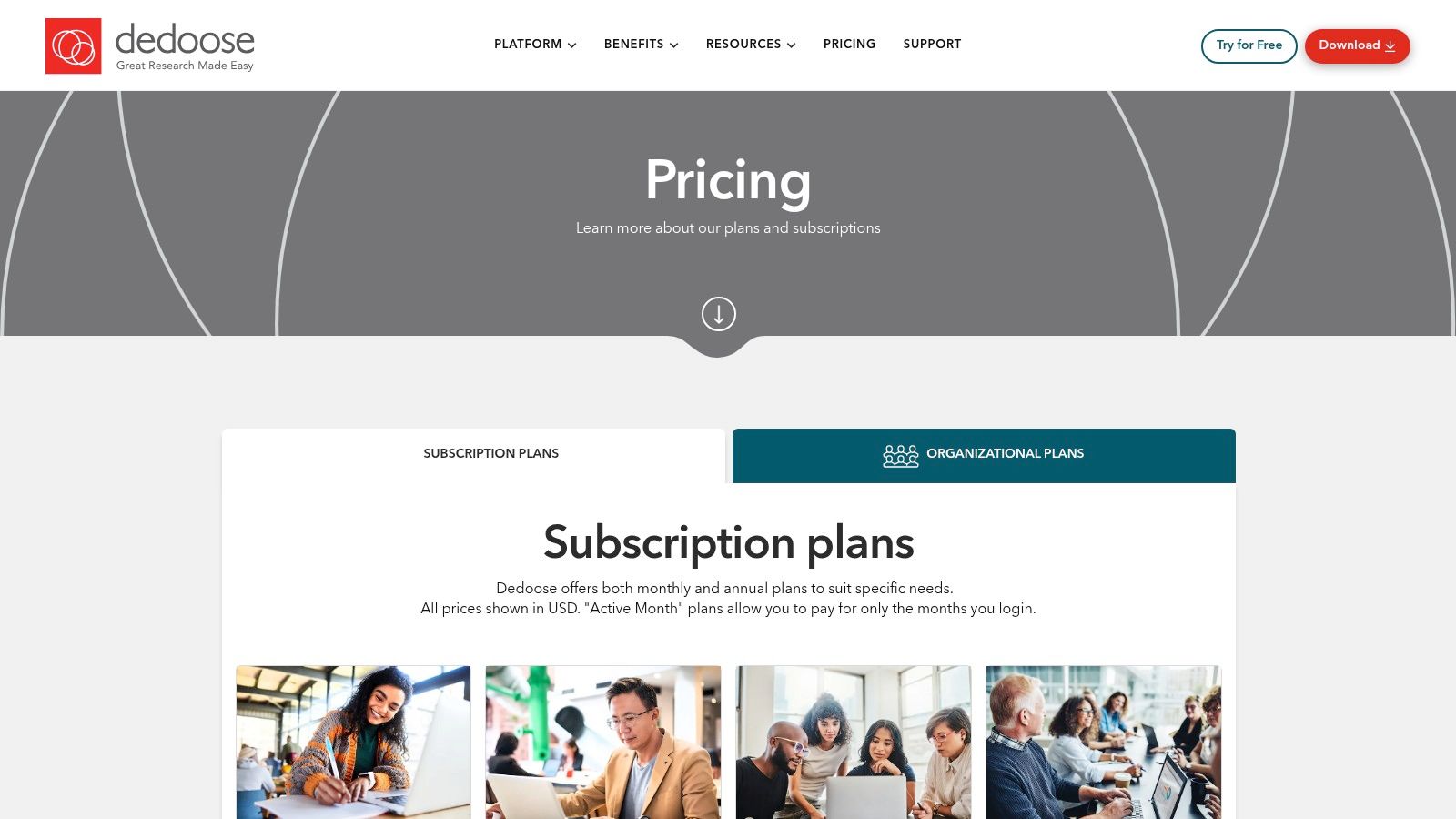
Because it’s browser-based, collaboration is seamless and built-in, not an expensive add-on. It’s a pragmatic choice for teams who need a powerful, accessible tool without the long-term financial commitment of a perpetual license.
Strengths & Weaknesses
Pros: Extremely cost-effective "active month" billing. Seamless real-time collaboration is a core feature. Being web-based means no installation or OS compatibility issues.
Cons: The billing model can be confusing if not managed carefully. Lacks some of the ultra-advanced analytical power of desktop giants like NVivo.
Real-world Example: A team of graduate students collaborates on a research project over a single semester. They use Dedoose for three months, paying only for that period, saving hundreds of dollars compared to an annual license.
Actionable Takeaway: If your project has a clear start and end date, Dedoose's billing model can save you a fortune.
Website: https://www.dedoose.com/pricing/pricing-subscriptions
6. Quirkos
Quirkos is designed to be the simple, visual, and affordable alternative to the big, complex CAQDAS packages. It’s perfect for students, non-profits, and anyone new to qualitative analysis who finds other tools intimidating. The interface uses bubbles and visual cues that make the coding process feel more intuitive and less like wrestling with a spreadsheet.
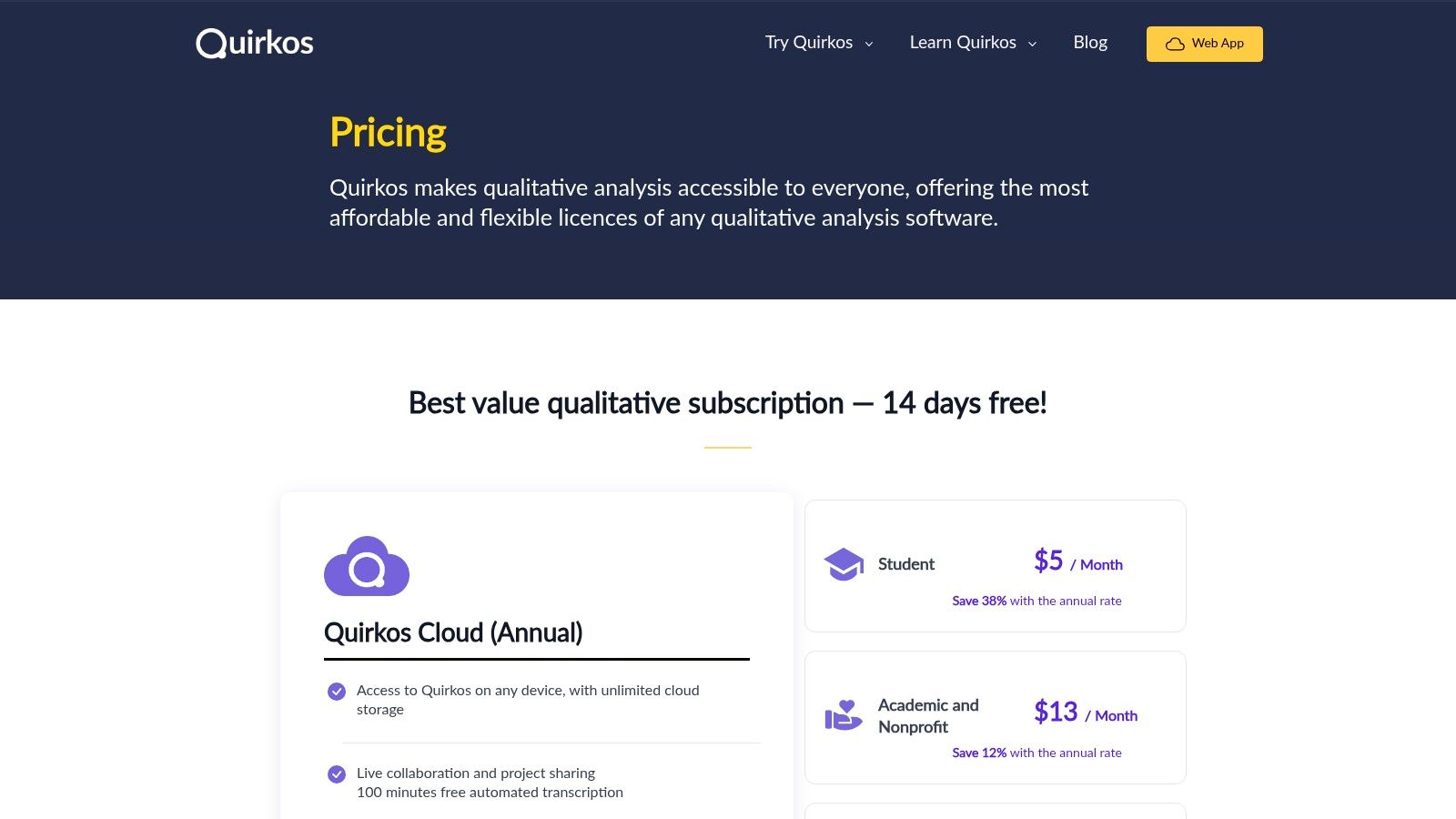
It offers both a low-cost web subscription for collaboration and a one-time purchase for an offline desktop version. This flexibility, combined with its extremely low price point, makes it one of the most accessible tools on the market.
Strengths & Weaknesses
Pros: Very affordable and easy to learn. The visual interface is great for beginners. Flexible options for web-based collaboration or offline desktop use.
Cons: Intentionally simple; it lacks the advanced features for mixed-methods, video analysis, or statistical reporting found in more expensive tools.
Real-world Example: A small non-profit analyzes 50 community feedback forms using Quirkos. The visual interface helps volunteers quickly grasp the main themes without needing any formal research training.
Actionable Takeaway: If the words "steep learning curve" terrify you, start with Quirkos.
Website: https://www.quirkos.com/licences.html
7. Provalis Research (QDA Miner / WordStat)
Provalis offers a power-combo for researchers who need to blend deep qualitative analysis with hardcore quantitative text mining. QDA Miner is their traditional qualitative coding tool, but its real strength is its seamless integration with WordStat, a powerful content analysis and text analytics engine. This allows you to move from interpretive coding to statistical analysis of word frequencies, topic modeling, and sentiment analysis within one ecosystem.
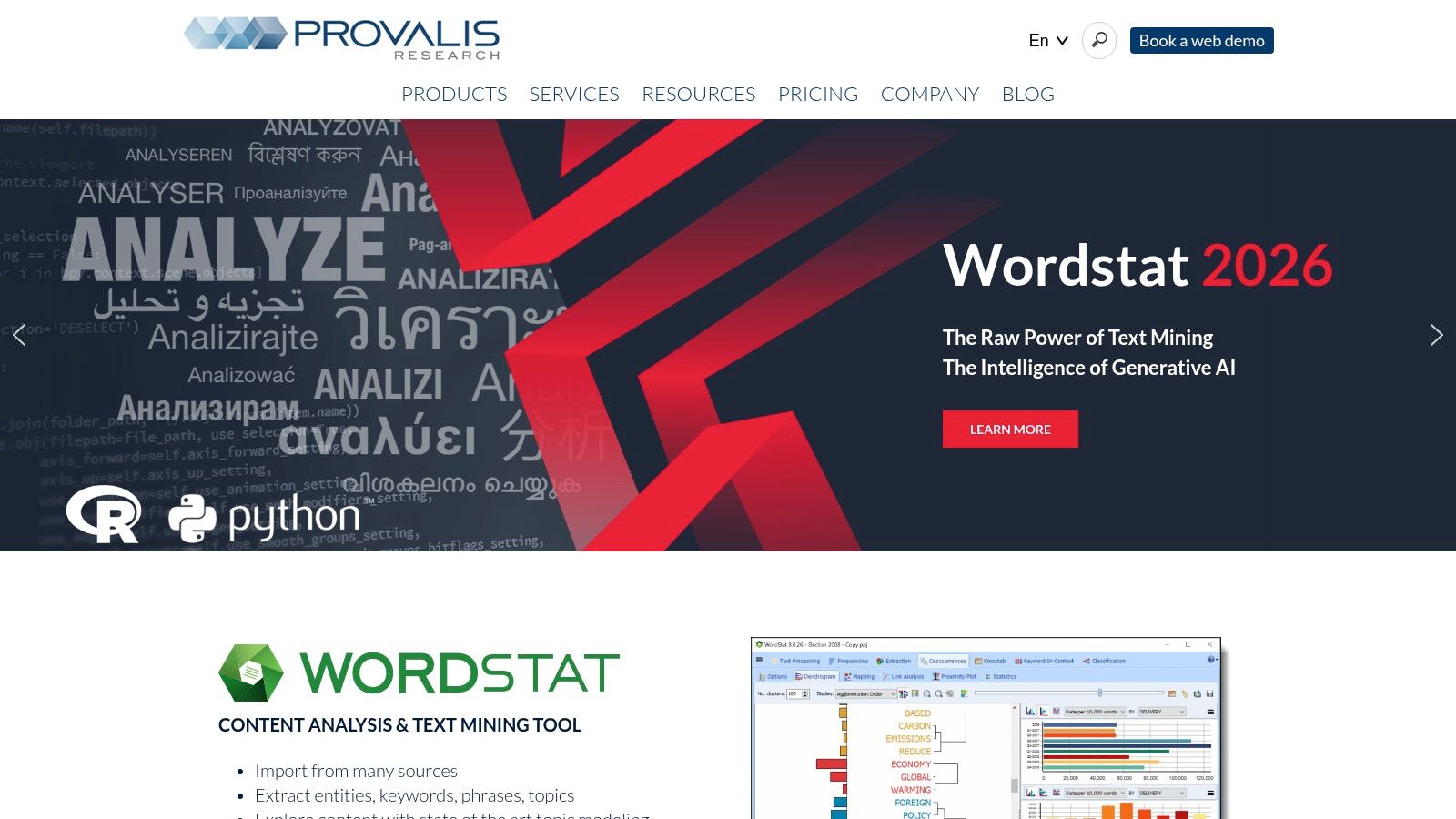
This suite is for data nerds who want statistical validation for their qualitative themes. It’s less about simple coding and more about rigorous, data-driven textual analysis. For a deeper look, see how it stacks up against the best text analytics software.
Strengths & Weaknesses
Pros: Unmatched integration of qualitative coding and quantitative text mining. Ideal for rigorous, large-scale mixed-methods research.
Cons: Windows-centric, which is a major pain point for Mac users. The interface feels dated compared to more modern tools.
Real-world Example: A political science researcher analyzes thousands of speeches, using QDA Miner for thematic coding and WordStat to statistically compare keyword frequencies between different political parties.
Actionable Takeaway: If you need to answer "how many times" and "why" in the same project, the Provalis suite is built for you.
Website: https://provalisresearch.com/
8. Transana
Transana is a niche tool with a singular focus: analyzing video and audio data. While other tools bolt on multimedia features, Transana was built for it from the ground up. It excels at time-coded transcription and allows you to analyze up to four video streams simultaneously. This makes it the go-to choice for user researchers analyzing usability tests, ethnographers studying recorded interactions, or anyone working with focus group videos.
It’s a specialized, powerful tool that doesn’t try to be everything to everyone. If your source data is primarily video or audio files, Transana will make your life dramatically easier.
Strengths & Weaknesses
Pros: Superb functionality for analyzing audio and video data. Excellent value for its specific use case. Clear, straightforward pricing and procurement.
Cons: Highly specialized. Not the right tool for text-only projects. Smaller user community than the big CAQDAS players.
Real-world Example: A UX researcher uses Transana to analyze screen recordings of a usability test. They create time-coded clips of users struggling with the checkout process and tag them with specific usability issues.
Actionable Takeaway: If you have more than 5 hours of video to analyze, stop trying to make it work in a text-focused tool and just get Transana.
Website: https://www.transana.com/products/purchase/
9. Delve
Delve is a modern, web-based coding tool that prioritizes simplicity and user experience. It strips away the clutter of legacy software, providing an intuitive, focused environment for thematic analysis. It’s an excellent choice for anyone new to qualitative research, as the platform is supported by an extensive library of free courses and tutorials that teach the methodology, not just the software.
Its cloud-native design makes collaboration easy. Think of it as the friendly, approachable entry point to formal qualitative coding, backed by fantastic educational resources.
Strengths & Weaknesses
Pros: Very easy to learn, with some of the best free training materials available. Clean, intuitive web interface that works on any OS.
Cons: Lacks advanced statistical and mixed-methods features. Better for core thematic analysis than complex, multi-layered research projects.
Real-world Example: A graduate student, new to qualitative research, uses Delve's online courses to learn thematic analysis while simultaneously coding their first set of interview transcripts within the platform.
Actionable Takeaway: Delve is not just software; it's a qualitative research bootcamp with a tool attached.
Website: https://delvetool.com/
10. webQDA
webQDA is another purely browser-based tool, but its standout feature is its licensing model. It’s designed for projects with a finite timeline, allowing you to buy access for short durations like 90 or 180 days. This is perfect for a single academic semester, a specific market research project, or a dissertation that needs to be completed by a deadline.
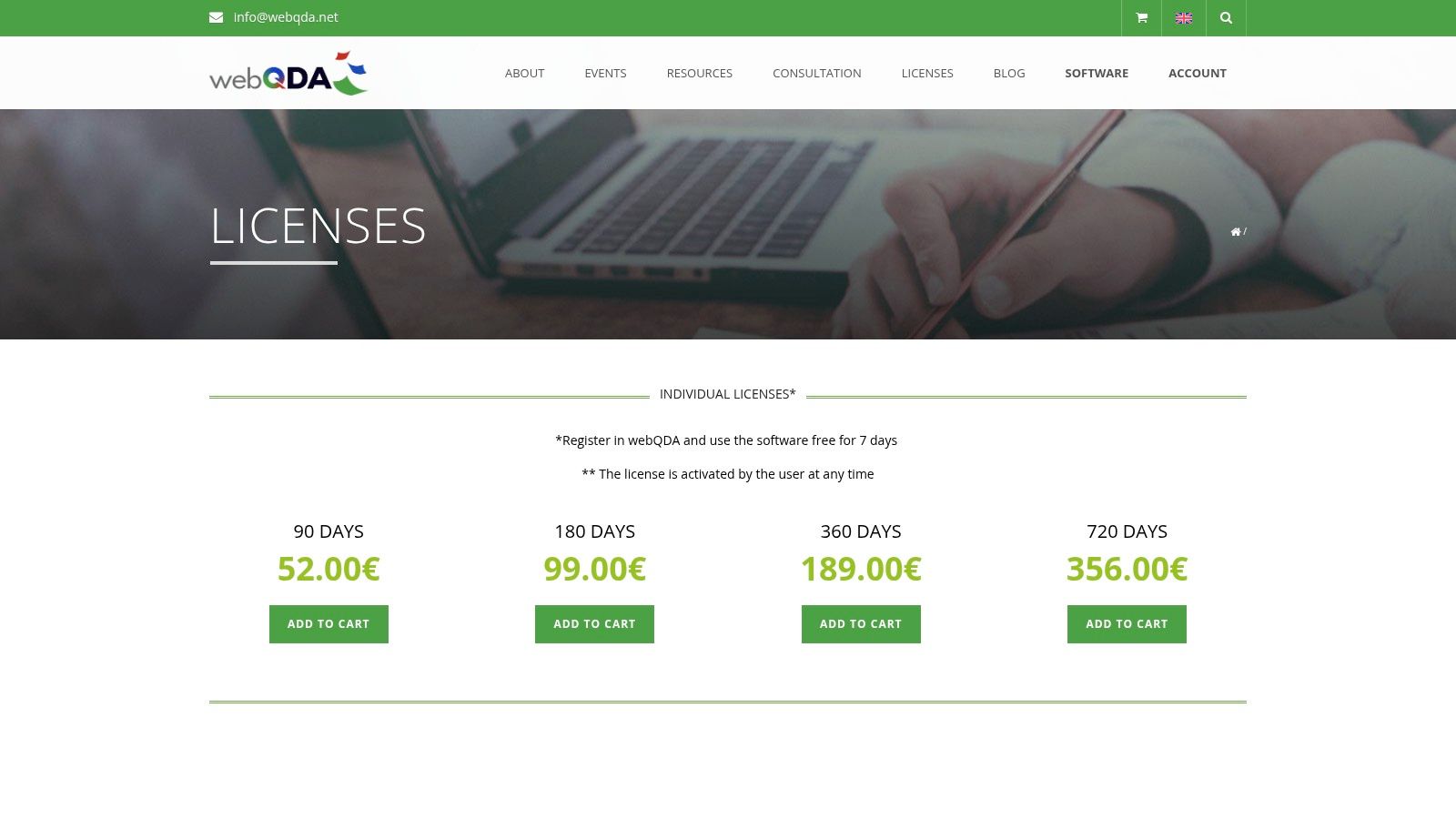
It avoids the high upfront cost of perpetual licenses and the recurring drain of annual subscriptions, offering a pragmatic, budget-friendly solution for time-boxed qualitative analysis.
Strengths & Weaknesses
Pros: Flexible, short-term licensing is great for budgets and specific project timelines. Fully web-based means no installation and easy access.
Cons: The feature set is more basic than comprehensive suites. Pricing is in Euros, which can be a minor hassle for US buyers.
Real-world Example: A consultant is hired for a 3-month project to analyze customer interviews. They purchase a 90-day webQDA license, getting the tools they need without committing to a full year's subscription.
Actionable Takeaway: If your project fits neatly into a 3- or 6-month window, webQDA's licensing is designed for you.
Website: https://www.webqda.net/licenses/?lang=en
11. Taguette
Taguette is the free, open-source hero of the qualitative analysis world. It does one thing and does it well: it lets you highlight and tag text. That’s it. There are no complex features, no steep learning curve, and absolutely no cost. You can use a hosted version online or download it to run locally, ensuring your data never leaves your computer—a critical feature for sensitive research.
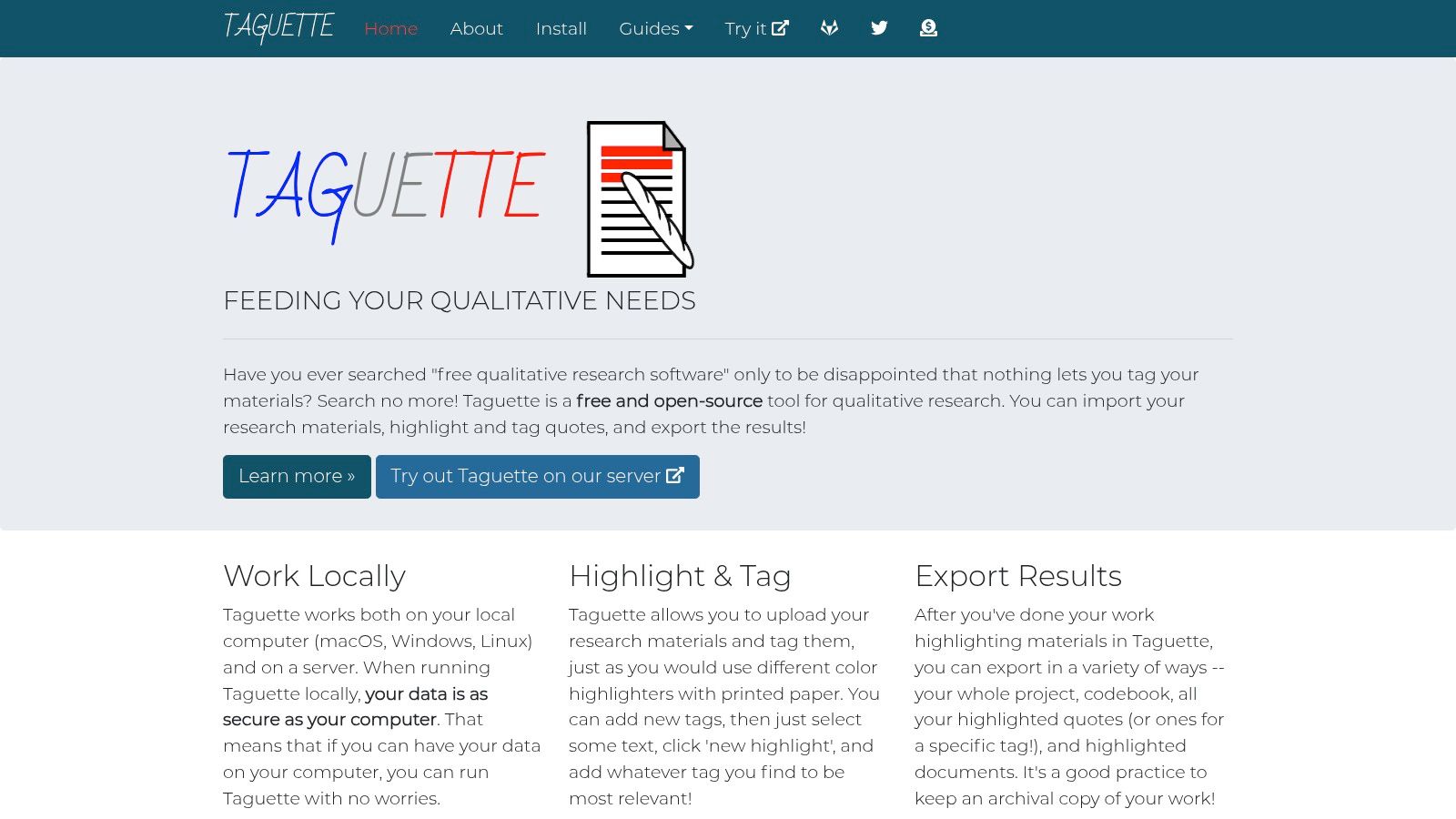
It’s the perfect tool for teaching qualitative methods, for very small projects, or for anyone who needs basic coding functionality without a budget.
Strengths & Weaknesses
Pros: 100% free and open-source. Extremely simple to learn. Local installation option provides excellent data privacy. No vendor lock-in.
Cons: Intentionally minimalist feature set. Doesn't scale for large or complex projects and lacks any advanced analytical or visualization tools.
Real-world Example: A journalist uses the desktop version of Taguette to code interview transcripts for an investigative story, keeping all sensitive source material securely on their own laptop.
Actionable Takeaway: If you need basic coding and your budget is zero, Taguette is the answer.
Website: https://www.taguette.org/
12. Capterra (Software Category Page)
Capterra isn't a tool itself, but its qualitative analysis software category page is a crucial research resource. It's a directory that aggregates dozens of tools, allowing you to filter by features, pricing, and deployment model. Most importantly, it’s packed with verified user reviews that cut through the marketing fluff.
Before you commit to a demo, spending 30 minutes on Capterra gives you a lay of the land. You can quickly see who the main players are, what real users love and hate about each platform, and discover niche tools you might have otherwise missed.
Strengths & Weaknesses
Pros: Free, comprehensive overview of the market. Verified user reviews provide invaluable social proof. Useful filters help you create a shortlist quickly.
Cons: Sponsored listings can influence rankings. Information can sometimes be out of date, so always verify on the official vendor site.
Real-world Example: A research manager is tasked with finding a new CAQDAS tool. They use Capterra to filter for cloud-based options with strong collaboration features, read reviews, and build a shortlist of three tools to demo.
Actionable Takeaway: Start your search on Capterra to build a shortlist, then go deep on the vendor websites for the finalists.
Frequently Asked Questions (FAQ)
1. What is the best qualitative analysis software for beginners?
For absolute beginners, Quirkos and Delve are excellent choices. Quirkos has a highly visual and intuitive interface, while Delve provides a clean user experience backed by extensive free courses on qualitative methodology. Both have a much gentler learning curve than complex academic suites like NVivo.
2. Is there any free qualitative analysis software?
Yes. Taguette is a popular free and open-source option that is great for basic text coding. Many commercial tools like Delve and Quirkos also offer free trials so you can test them before committing.
3. What's the difference between NVivo and ATLAS.ti?
Both are powerful academic CAQDAS tools. Historically, NVivo has been seen as the market leader with a slight edge in quantitative/mixed-methods features. However, ATLAS.ti has innovated faster with a fully-featured web version that offers real-time collaboration and a single license for all platforms, making it a more flexible choice for modern, distributed research teams.
4. Can I use AI for qualitative analysis?
Absolutely. Modern tools like Backsy.ai use AI (specifically NLP) to automate thematic analysis, sentiment scoring, and the categorization of large volumes of text feedback. This is ideal for business use cases where speed is critical. Academic tools like NVivo and MAXQDA are also adding "AI Assist" features to help suggest codes and summarize documents, but they still rely on a human-led manual coding process.
5. How do I choose the right software for my project?
Focus on three things:
- Your Data: Are you analyzing 20 interviews or 20,000 survey responses? Are they text, video, or both?
- Your Team: Are you a solo academic researcher or a fast-moving product team?
- Your Goal: Do you need to publish a peer-reviewed paper or make a business decision by Friday?
Your answers will point you to the right category of tool. Don't buy a sledgehammer (NVivo) when you only need a screwdriver (Taguette).
If you’ve got more than 20 open-ended responses, stop suffering—Backsy scores them in minutes.
